
JuiceSSH - SSH Client
# 1 ลูกค้า SSH สำหรับ Android
นักพัฒนาอย่างเป็นทางการของ JuiceSSH - SSH Client คือ Sonelli Ltd LDPlayer ให้บริการดาวน์โหลด APK เท่านั้น

ภาพรวม

FAQ
เรียกใช้ JuiceSSH - SSH Client บน PC ด้วย LDPlayer
JuiceSSH - SSH Client เป็นแอปพลิเคชั่น การสื่อสาร ที่พัฒนาโดย Sonelli Ltd ที่สามารถทำงานบนอุปกรณ์มือถือ ใช้โปรแกรมจำลอง Android-LDPlayer ที่ดีที่สุด คุณสามารถดาวน์โหลดและเล่น JuiceSSH - SSH Client บนคอมพิวเตอร์ของคุณได้
การใช้ JuiceSSH - SSH Client บนคอมพิวเตอร์ คุณสามารถเรียกดูได้อย่างชัดเจนบนหน้าจอขนาดใหญ่ และการควบคุมแอปพลิเคชันด้วยเมาส์และคีย์บอร์ดนั้นเร็วกว่าการใช้แป้นพิมพ์หน้าจอสัมผัสมากและคุณจะไม่ต้องกังวลกับพลังของอุปกรณ์ของคุณเลย
ด้วยคุณสมบัติเปิดหลายรายการและการซิงค์ คุณสามารถเรียกใช้แอปพลิเคชันและบัญชีหลายรายการบนพีซีของคุณได้
ฟังก์ชันการถ่ายโอนไฟล์ทำให้การแบ่งปันรูปภาพ วิดีโอ และไฟล์เป็นเรื่องง่ายมาก
ดาวน์โหลด JuiceSSH - SSH Client และเรียกใช้บนพีซีของคุณ เพลิดเพลินไปกับหน้าจอขนาดใหญ่และคุณภาพความคมชัดสูงของเวอร์ชันพีซี!
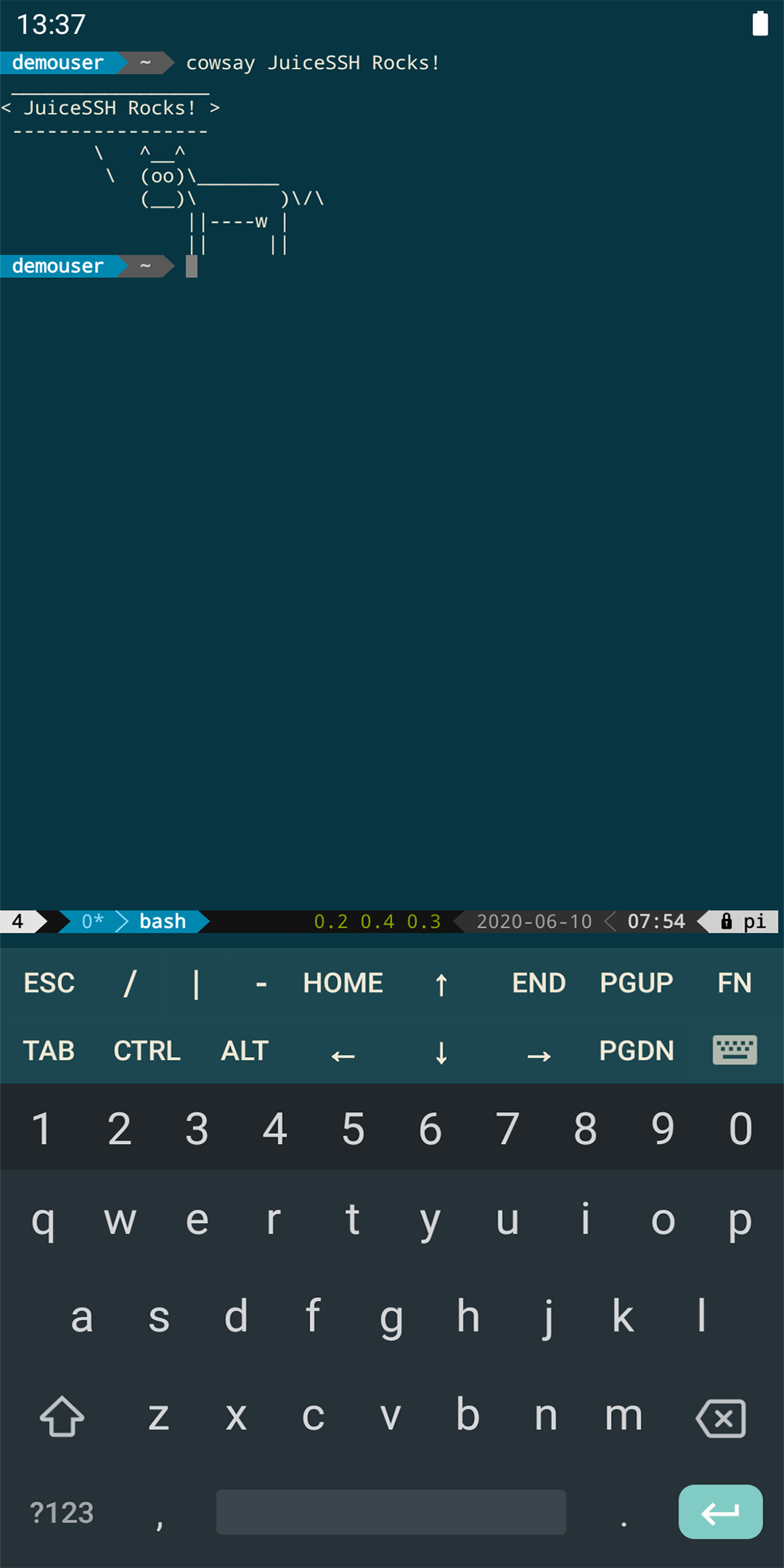
The all in one terminal client for Android including SSH, Local Shell, Mosh and Telnet support.Features:
- Full color terminal / ssh client
- Popup keyboard with all those normally hard to find characters
- Use the volume keys to quickly change font size
- External keyboard support
- Gestures for irssi, weechat, tmux and screen
- Community and third party plugins
- Official Mosh support (http://mosh.mit.edu)
- Telnet support
- Local Android terminal support
- Dark, Light, 80's hacker, Molokai, Solarized Dark and Solarized Light terminal color themes
For an overview of solarized color scheme and why it rocks for terminal usage check out http://ethanschoonover.com/solarized
- Click URLs to open in a browser
- Copy & Paste within sessions
- Save / Share SSH transcripts
- UTF-8 character support
- Easily organize your connections by group
- Keep multiple SSH sessions running in the background
- Seamlessly connect 'via' other SSH connections with one click
- Immediate access when you open the app to your frequently used connections
- IPv6 support
- Password & OpenSSH private key support (ed25519, ECDSA, RSA and DSA)
- SSH key generator (optional passphrase encryption supported)
- Identities (users/password/keys) are abstracted from connections. Instead of updating every connection when you change your password - just update the identity and any connections linked to it will use the new password/key.
- zlib compression to improve SSH sessions on high latency connections
Pro Features (optional in-app purchase):
- Quick and easy port forwards that can be connected to via the app or widget and can automatically open in a browser if required.
- Integrate with Amazon AWS / EC2, synchronize connections and automatically group servers based on their class or security groups.
- Securely keep everything in sync between multiple devices
- Automated AES-256 encrypted backups of all of your connections and settings
- A beautiful widget for fast access to either your frequently used connections, or a specific group
- Team collaboration. Share your groups of connections with team members and start working together instead of separately.
- Handy snippets library for quick access to your frequently used commands
- Security lock to automatically protect JuiceSSH after a period of inactivity
ภาพแคปหน้าจอและคลิปของ JuiceSSH - SSH Client เวอร์ชั่น PC



วิธีดาวน์โหลดและเรียกใช้ JuiceSSH - SSH Client บน PC
 1
1ดาวน์โหลดและติดตั้ง LDPlayer บนคอมพิวเตอร์ของคุณ
 2
2ค้นหา Play Store ในแอประบบของ LDPlayer และเปิดใช้งาน แล้วลงชื่อเข้าใช้บัญชี Google ของคุณ
 3
3ป้อน "JuiceSSH - SSH Client" ลงในแถบค้นหาแล้วค้นหา
 4
4เลือก JuiceSSH - SSH Client จากผลการค้นหาและติดตั้ง
 5
5เมื่อดาวน์โหลดและติดตั้งเสร็จ กลับไปที่หน้าหลักของ LDPlayer
 6
6คลิกไอคอนเกมบนหน้าหลักของ LDPlayer เริ่มเพลิดเพลินกับเกมที่น่าตื่นเต้น


