Promise เป็นแอปพลิเคชั่น ออกเดท ที่พัฒนาโดย Harshil Bhatt ที่สามารถทำงานบนอุปกรณ์มือถือ ใช้โปรแกรมจำลอง Android-LDPlayer ที่ดีที่สุด คุณสามารถดาวน์โหลดและเล่น Promise บนคอมพิวเตอร์ของคุณได้
การใช้ Promise บนคอมพิวเตอร์ คุณสามารถเรียกดูได้อย่างชัดเจนบนหน้าจอขนาดใหญ่ และการควบคุมแอปพลิเคชันด้วยเมาส์และคีย์บอร์ดนั้นเร็วกว่าการใช้แป้นพิมพ์หน้าจอสัมผัสมากและคุณจะไม่ต้องกังวลกับพลังของอุปกรณ์ของคุณเลย
ด้วยคุณสมบัติเปิดหลายรายการและการซิงค์ คุณสามารถเรียกใช้แอปพลิเคชันและบัญชีหลายรายการบนพีซีของคุณได้
ฟังก์ชันการถ่ายโอนไฟล์ทำให้การแบ่งปันรูปภาพ วิดีโอ และไฟล์เป็นเรื่องง่ายมาก
ดาวน์โหลด Promise และเรียกใช้บนพีซีของคุณ เพลิดเพลินไปกับหน้าจอขนาดใหญ่และคุณภาพความคมชัดสูงของเวอร์ชันพีซี!
It's not dating that's hard, it's the search for a date, and we promise to take off all the frustration.Sure Albert Brennaman had The Hitch to help him sweep Allegra Cole off her feet, but what if you've got no trouble sweeping that special someone off their feet, but rather it's finding that someone you have trouble with? Don't worry, we're here for you.
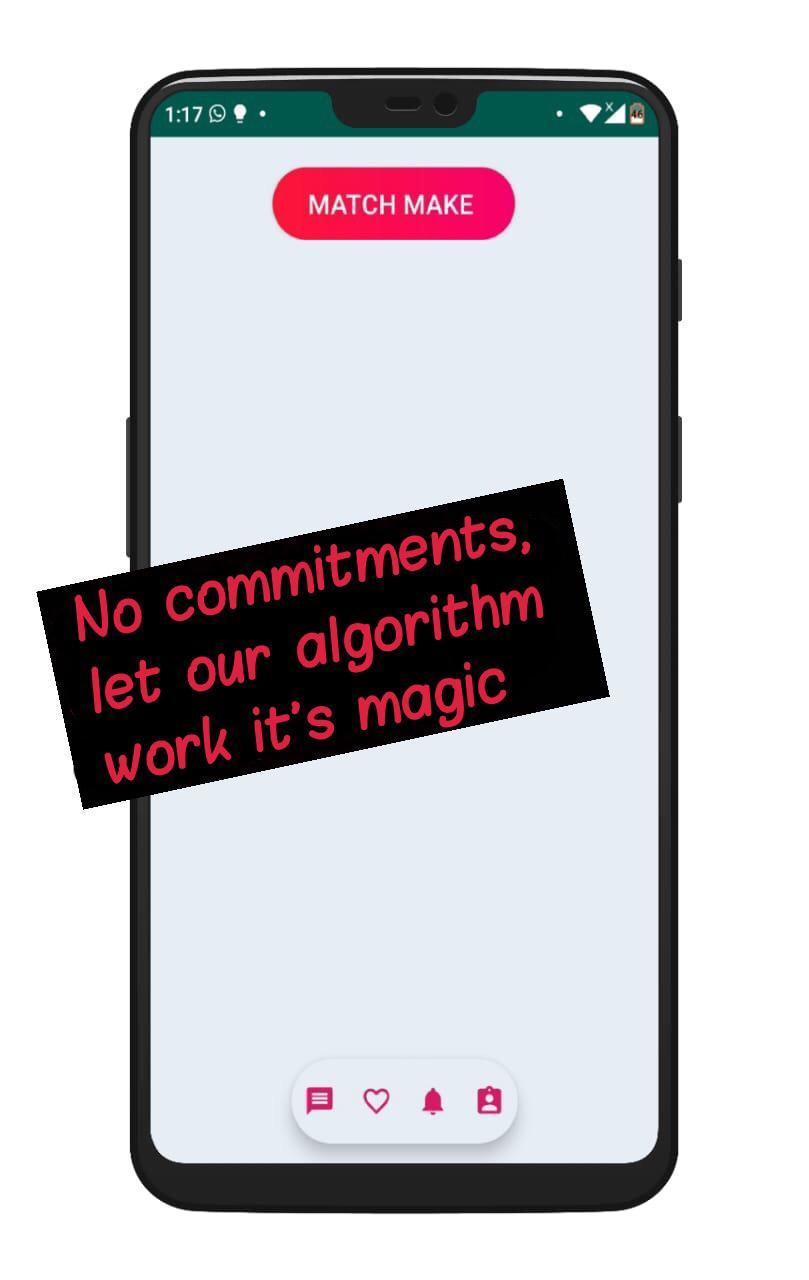
All you have to do is enter your code, and answer a few questions. Once you've done that click 'Match Make' and let our algorithm do its magic. You'll have three fantastic matches curated to your specific taste in a few seconds. It's really that simple!
Whether you like cooking like Love, reading Wattpad fan fiction, chilling out to Bach all day or watching Animé, we'll help you find the perfect date.
Feel a real connection with someone? Talk to one of our experts to help you take your date to the next level!
Logo: Alina Ann Thomas
Name: Hashmeel Shah
T&C: Rohit Shibu
Trailers: Meeth Prabakar
Posters: Aman D Biswas
Description: Vivek Philendra
Girls Team: Areebah Anjum, Khanak Waghnani, Kishita Gidwani, Ishleen Kaur Ahuja, Akanksha Biju
Boys Team: Harsh Vasu, Rovian Victor Pinto, Maaz