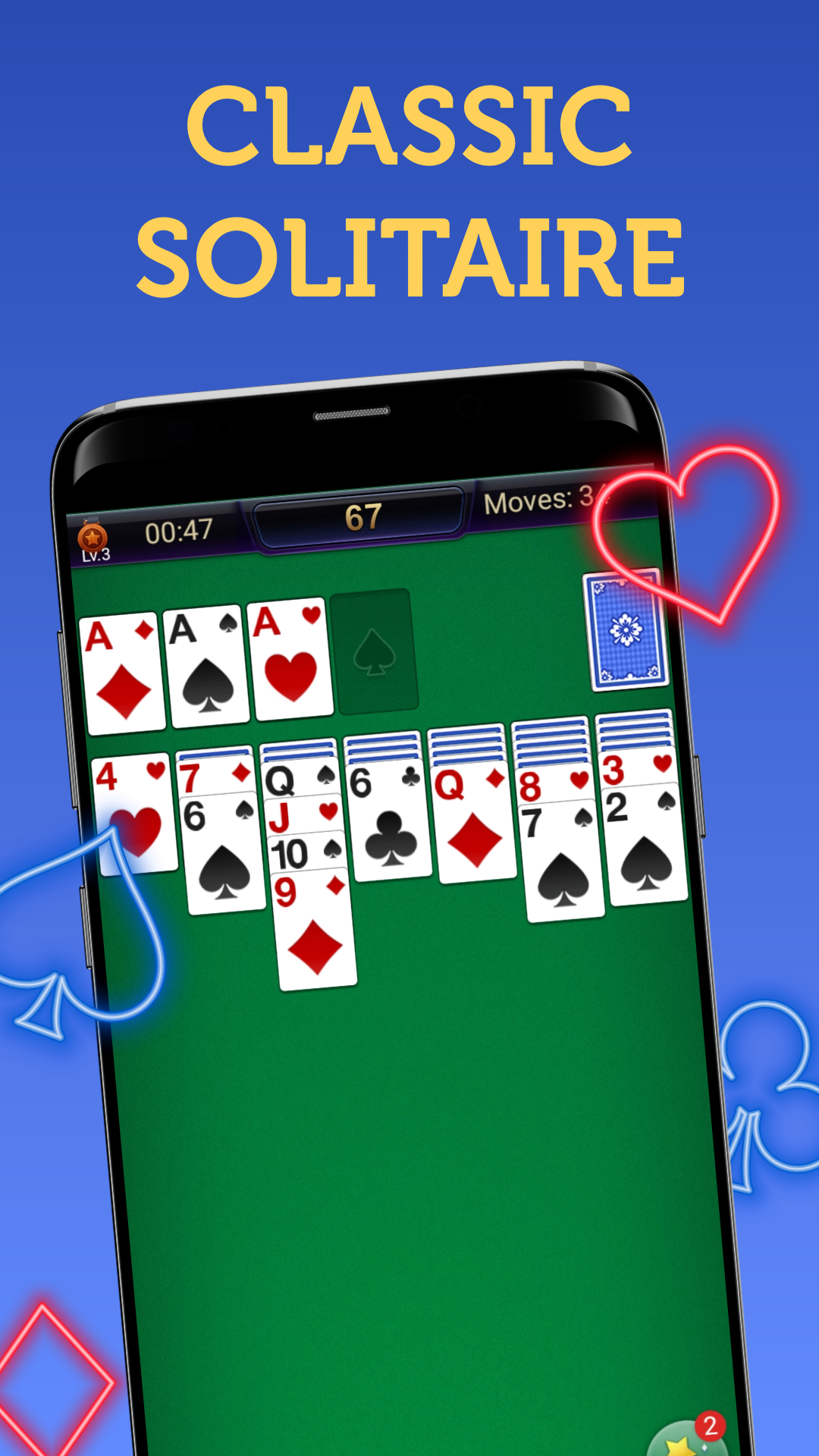
Solitaire - Card Games เป็นแอปพลิเคชั่น ไพ่ ที่พัฒนาโดย Ghost Studio Solitaire Card Games ที่สามารถทำงานบนอุปกรณ์มือถือ ใช้โปรแกรมจำลอง Android-LDPlayer ที่ดีที่สุด คุณสามารถดาวน์โหลดและเล่น Solitaire - Card Games บนคอมพิวเตอร์ของคุณได้
การใช้ Solitaire - Card Games บนคอมพิวเตอร์ คุณสามารถเรียกดูได้อย่างชัดเจนบนหน้าจอขนาดใหญ่ และการควบคุมแอปพลิเคชันด้วยเมาส์และคีย์บอร์ดนั้นเร็วกว่าการใช้แป้นพิมพ์หน้าจอสัมผัสมากและคุณจะไม่ต้องกังวลกับพลังของอุปกรณ์ของคุณเลย
ด้วยคุณสมบัติเปิดหลายรายการและการซิงค์ คุณสามารถเรียกใช้แอปพลิเคชันและบัญชีหลายรายการบนพีซีของคุณได้
ฟังก์ชันการถ่ายโอนไฟล์ทำให้การแบ่งปันรูปภาพ วิดีโอ และไฟล์เป็นเรื่องง่ายมาก
ดาวน์โหลด Solitaire - Card Games และเรียกใช้บนพีซีของคุณ เพลิดเพลินไปกับหน้าจอขนาดใหญ่และคุณภาพความคมชัดสูงของเวอร์ชันพีซี!
Solitaire - Card Games is the #1 classic solitaire game for free!Whether you love classic solitaire, freecell solitaire, spider solitaire, pyramid solitaire, or klondike, this free solitaire card game will offer you more fun and excitement than ever before. With a brand new classic solitaire experience and the original real solitaire games, Solitaire Classic is the perfect choice for anyone who loves playing card games.
Enjoy classic solitaire and train your train in this card game! It’s an offline game that can be played anytime and anywhere. You are going to love our solitaire collection with simple rules and addictive gameplay!
Key Features of Solitaire - Card Games:
- Classic solitaire gameplay, relaxing and addictive
- Solitaire draw 1 card
- Solitaire draw 3 cards
- Build your gardens by completing solitaire games
- Left-Handed & Right-Handed Mode
- Portrait & Landscape Mode
- Personal Stats for continued Solitaire improvement
- Daily Solitaire Challenge to win trophies
- Unlimited hints and undo options to make gameplay easier
- Various Card Faces, Backs and Backgrounds to choose from, including classic green, beautiful scenery, and cute animals
- Play offline without an internet connection
How to Play?
To play, simply move all the Solitaire cards of four suits - hearts, diamonds, spades, and crosses - to the Solitaire Foundations. Classic Solitaire games use one deck of 52 cards. Stack the cards by suit, from Aces to King (A, 2, 3, and so on), and differentiate between red and black suits when stacking. For instance, only a red 9 can follow a black 10. Only a King can be placed in the Free Column. You can move a stack of cards by dragging it to another column.
This Solitaire or Patience game is addictive and similar to other classic Solitaire card games, such as Cube, Freecell, Spider, Tri Peaks, Pyramind, Golf, Mahjong, and Yukon. Classic solitaire games never go out of style, and Solitaire or Patience is the perfect way to relax and pass the time.
Looking for a free solitaire game to play on your phone or tablet? Look no further than our fun and free card game. Online or offline solitaire. Play anytime, anywhere with patience and persistence.
Download Solitaire - Card Games today and play classic solitaire games for free!