

Samsara Valley เป็นเกม RPG ที่พัฒนาโดย LDPlayer เป็นแพลตฟอร์มที่ดีที่สุดในการเล่น Samsara Valley บน Windows PC มันสามารถมอบฟังก์ชันอันทรงพลังเพื่อช่วยให้คุณได้รับประสบการณ์ที่ดื่มด่ำใน Samsara Valley
เมื่อคุณเล่น Samsara Valley บนคอมพิวเตอร์ ในฐานะผู้เล่นครั้งแรกที่ต้องการเปิดบัญชีใหม่ ฟังก์ชันเปิดหลายตัวและซิงโครไนเซอร์มีประโยชน์มากสำหรับการจับรางวัลครั้งแรก คุณสามารถใช้มันเพื่อคัดลอกโปรแกรมจำลองหลายตัวและเริ่มกระบวนการซิงโครไนซ์ ผูกบัญชีของคุณจนกว่าคุณจะจั่วฮีโร่ที่คุณชื่นชอบ
นอกจากนี้ การบันทึกแอคชั่นยังเป็นตัวเลือกที่ยอดเยี่ยมสำหรับเกมที่ต้องการให้คุณเพิ่มเลเวลและทำงานให้สำเร็จ! เรียกใช้ตัวซิงโครไนซ์และบันทึกการกระทำของคุณ จากนั้นทำซ้ำการกระทำของอินสแตนซ์หลักแบบเรียลไทม์ ด้วยการทำเช่นนี้ คุณสามารถเรียกใช้ 2 บัญชีขึ้นไปพร้อมกันได้ คุณสามารถรับฮีโร่ที่คุณต้องการก่อนใครได้ตลอดเวลา! ต้องขอบคุณการวางไข่ที่เร็วขึ้นและการอัญเชิญที่ใช้เวลาน้อยลง! เริ่มดาวน์โหลดและเล่น Samsara Valley บนคอมพิวเตอร์ของคุณทันที!
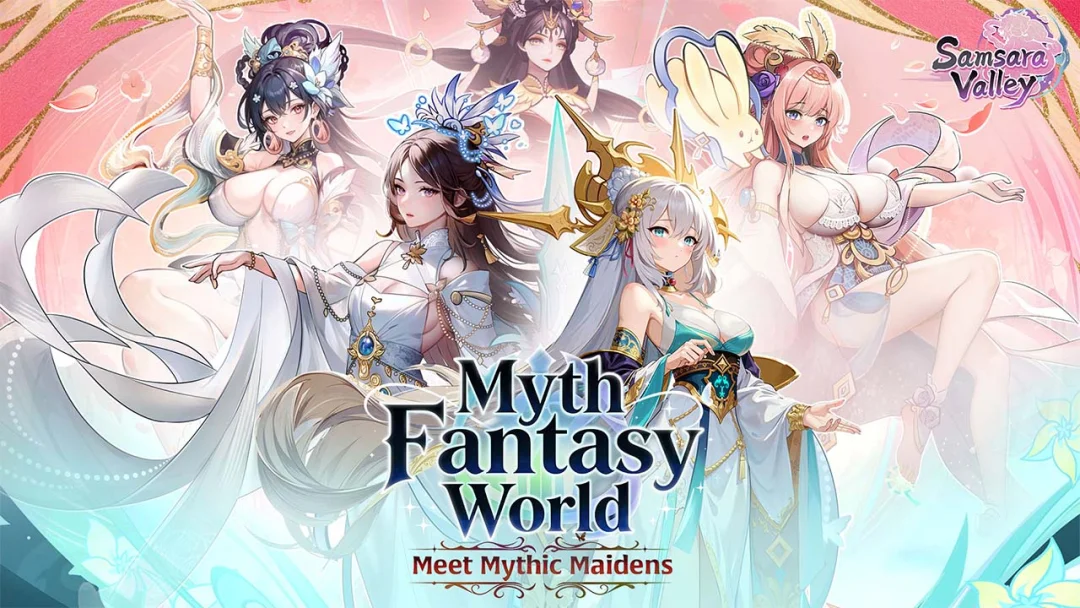
Samsara Valley is a fantasy idle card RPG inspired by Eastern mythology. Enter a mysterious otherworld filled with spirits, demons, and legendary heroes, where you recruit and train hundreds of unique characters to build your ultimate squad. Enjoy strategic yet relaxing auto-battles, flexible team formations, and faction-based synergies while progressing through a story-driven adventure. With idle rewards, light progression systems, and social features, you can collect, upgrade, and conquer—anytime, anywhere.
Game Features
[Myth-Inspired Fantasy World]
Explore a vibrant realm inspired by Eastern mythology, filled with legendary heroes, spirits, and demons. Immerse yourself in a beautifully crafted adventure across the mysterious Samsara Valley.
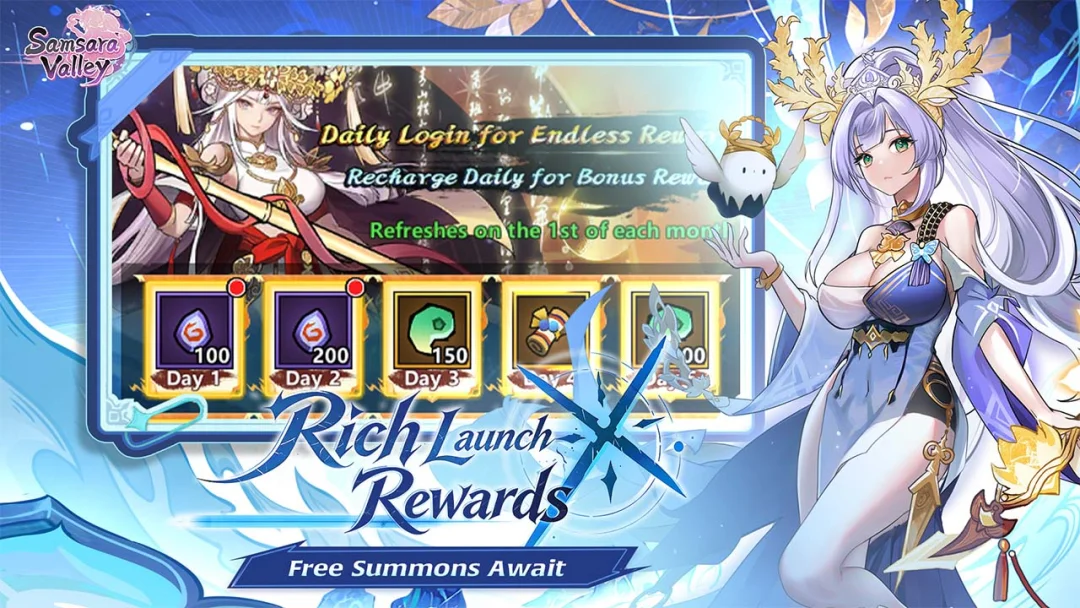
[Idle RPG with Effortless Progression]
Enjoy auto-battles and generous idle rewards that keep your team growing even while you're offline. Progress smoothly with minimal grind and maximum convenience.
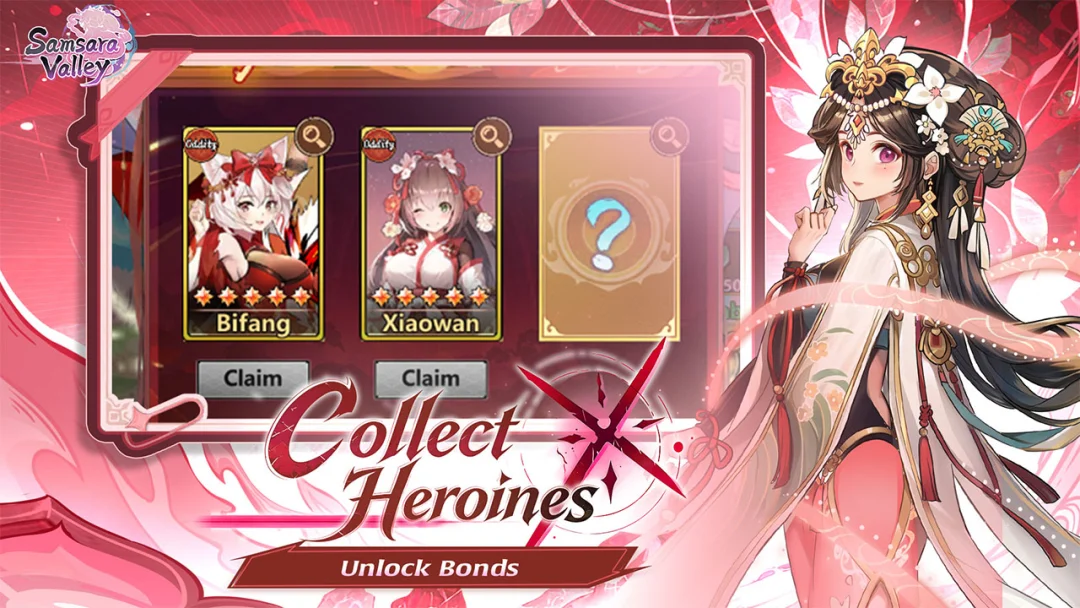
[Collect & Train Unique Heroes]
Recruit a wide variety of charming heroes, each with distinct skills, roles, and growth paths. Build your roster and unlock powerful upgrades as you advance.
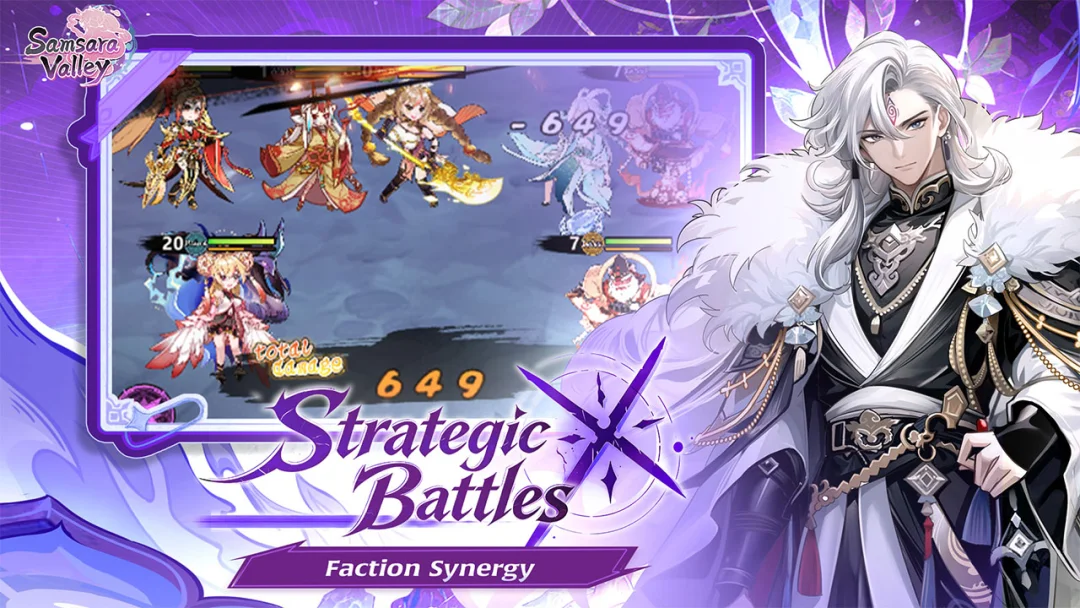
[Strategic Team Building]
Experiment with formations, factions, and skill synergies to create the ultimate lineup. Smart combinations can turn the tide of battle and boost your overall power.
[Multiple PvE & Challenge Modes]
Take on story stages, boss fights, and various challenge modes. Test your strategy across diverse content designed for both casual and competitive players.
[Relaxed Social & Guild Gameplay]
Join guilds, cooperate with other players, and participate in community-based activities. Earn shared rewards while enjoying a more interactive idle RPG experience.