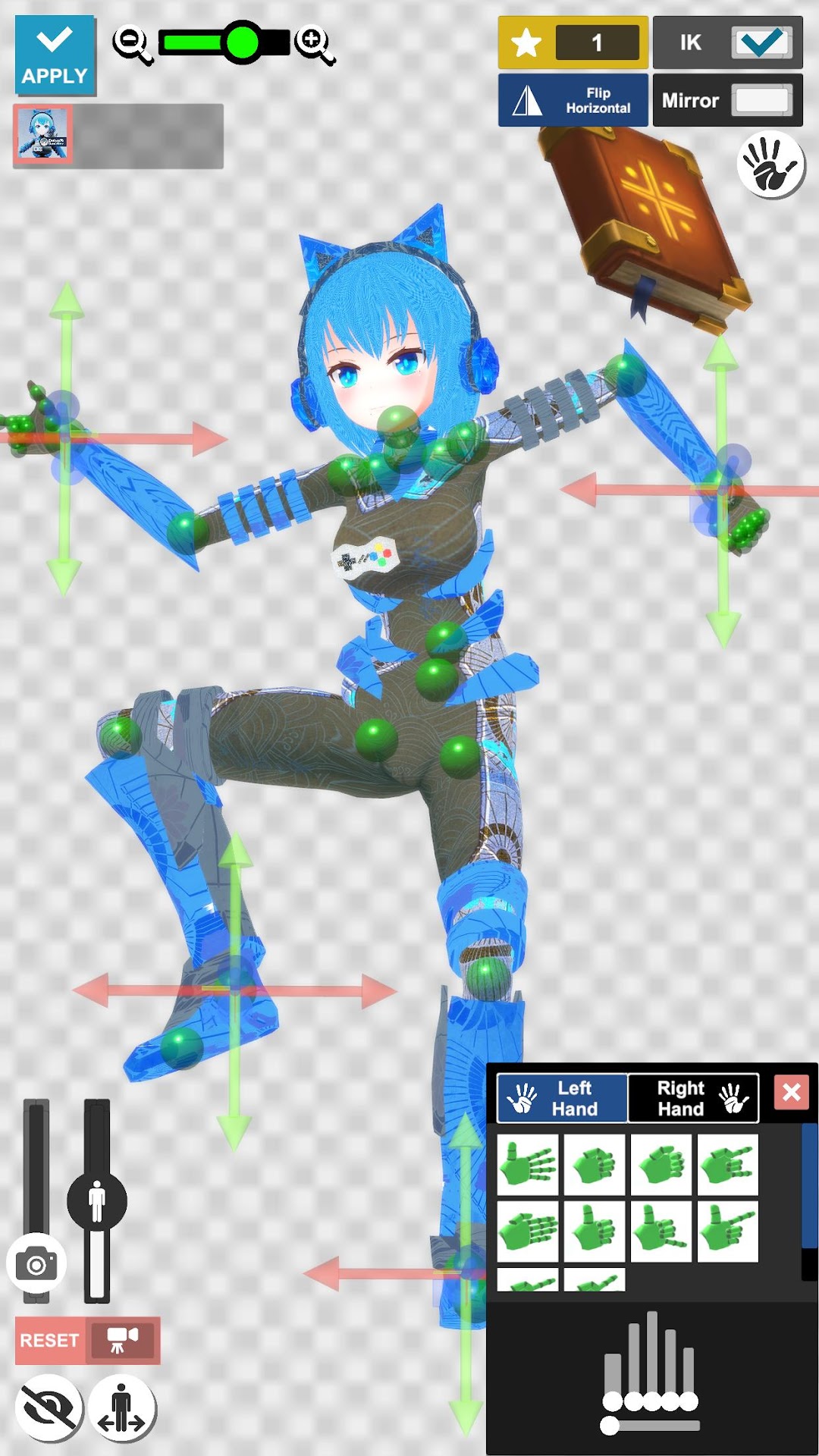
VRM Posing Mobile เป็นแอปพลิเคชั่น ศิลปะและการออกแบบ ที่พัฒนาโดย ELVNEKO ที่สามารถทำงานบนอุปกรณ์มือถือ ใช้โปรแกรมจำลอง Android-LDPlayer ที่ดีที่สุด คุณสามารถดาวน์โหลดและเล่น VRM Posing Mobile บนคอมพิวเตอร์ของคุณได้
การใช้ VRM Posing Mobile บนคอมพิวเตอร์ คุณสามารถเรียกดูได้อย่างชัดเจนบนหน้าจอขนาดใหญ่ และการควบคุมแอปพลิเคชันด้วยเมาส์และคีย์บอร์ดนั้นเร็วกว่าการใช้แป้นพิมพ์หน้าจอสัมผัสมากและคุณจะไม่ต้องกังวลกับพลังของอุปกรณ์ของคุณเลย
ด้วยคุณสมบัติเปิดหลายรายการและการซิงค์ คุณสามารถเรียกใช้แอปพลิเคชันและบัญชีหลายรายการบนพีซีของคุณได้
ฟังก์ชันการถ่ายโอนไฟล์ทำให้การแบ่งปันรูปภาพ วิดีโอ และไฟล์เป็นเรื่องง่ายมาก
ดาวน์โหลด VRM Posing Mobile และเรียกใช้บนพีซีของคุณ เพลิดเพลินไปกับหน้าจอขนาดใหญ่และคุณภาพความคมชัดสูงของเวอร์ชันพีซี!
VRM Posing Mobile is a mobile app that works with Vroid Hub to let your character pose any way you want.## Features of this app.
* Video Export(mp4) & Image Export (png)
* Easy Posing
* Poses Loop
* VRoid Hub
* Many props and effects
## Recommended for.
* People who want to use it as a reference material for illustration.
* Vtubers who want to pose their characters for thumbnails.
* I want to be healed by looking at my character.
## Why I developed this app
I run a personal development and Youtube channel under the name Evelyn GameDev. I use 3D models created with Vroid Studio as my avatar in my activities.
I developed this app because I wanted to contribute to the further development of the Vroid community.
I hope this app will be useful to you in your creative activities.
## Notation of credit
* Pixiv (VRoid Project)
* ElvinGameDev
* Kasumi Mitama / かすみみたま@怪談朗読系幽霊VTuber