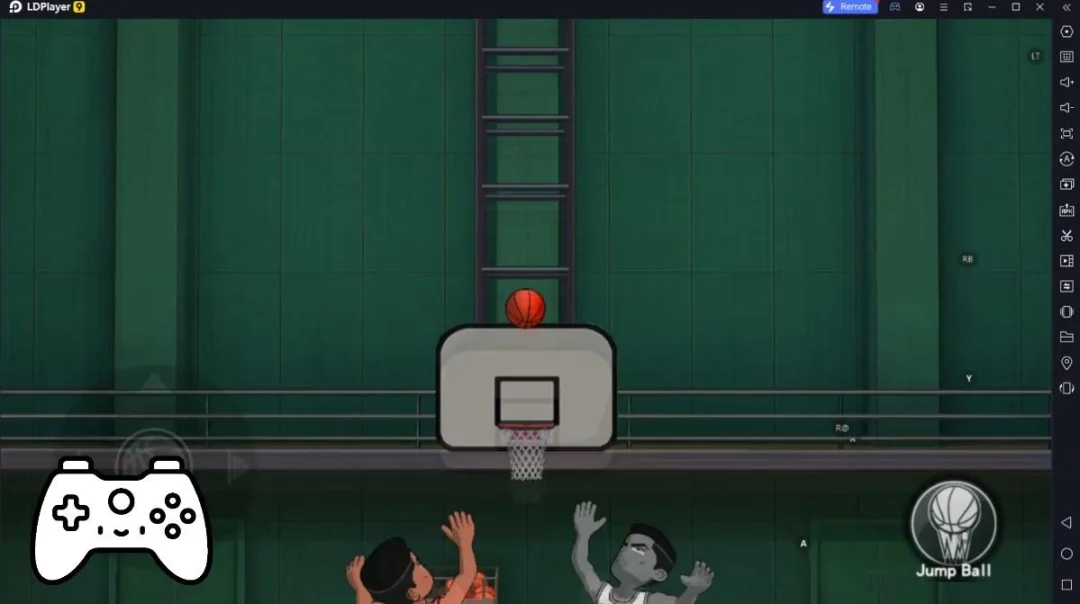
Golf Star 2 เป็นเกม กีฬา ที่พัฒนาโดย Com2uS LDPlayer เป็นแพลตฟอร์มที่ดีที่สุดในการเล่น Golf Star 2 บน Windows PC มันสามารถมอบฟังก์ชันอันทรงพลังเพื่อช่วยให้คุณได้รับประสบการณ์ที่ดื่มด่ำใน Golf Star 2
เมื่อคุณเล่น Golf Star 2 บนคอมพิวเตอร์ของคุณ หน้าจอที่ใหญ่ขึ้นและประสิทธิภาพกราฟิกที่ทรงพลังยิ่งขึ้นช่วยให้คุณเพลิดเพลินกับภาพเกมที่ชัดเจนและราบรื่นยิ่งขึ้น ปรับปรุงความดื่มด่ำและประสบการณ์การมองเห็นของเกม
วิธีการทำงานของอุปกรณ์ต่อจอย เช่น จอยได้รับการจำลองให้สอดคล้องกับความรู้สึกของการเล่นกีฬาจริงมากขึ้น ให้การควบคุมที่แม่นยำยิ่งขึ้นและตัวเลือกการทำงานที่สมบูรณ์ยิ่งขึ้น
นอกจากนี้ หากคุณต้องการบรรลุชุดของการดำเนินการคีย์ที่ต่อเนื่องกัน ฟังก์ชันมาโครแบบปุ่มเดียวจะเป็นฟังก์ชันในฝันของคุณ การดำเนินการด้วยปุ่มเดียวช่วยให้คุณบรรลุผลเร็วขึ้นหนึ่งขั้นตอนได้อย่างง่ายดาย เริ่มดาวน์โหลดและเล่น Golf Star 2 บนคอมพิวเตอร์ของคุณทันที!
Break free from your daily grind and play a round in Golf Star 2!Experience everything you love about golf: clean shots, high-stakes matches, and wide-open courses that take your breath away.
Ready to take your first swing?
■ Easy Controls, Satisfying Shots
Pull, aim, and release. It’s that simple!
Enjoy the thrill of golf without the hassle—perfect for everyone.
■ Real-Time 1v1 Matches with Players Worldwide
Climb the ranks in 1v1 Stroke Mode.
Win matches, earn rewards, and show off your skills on a global stage.
■ Strategic Gameplay with Clubs and Balls
Master wind direction, terrain, and club stats to dominate each hole.
Upgrade your clubs for even more precise and powerful shots.
■ Stylish Characters & Custom Costumes
Create your own golf look with tons of customization options.
You can either go bold or go classic to express yourself freely on the course!
Exciting events and generous rewards await you.
Casual golf fun anytime, anywhere—Start your journey in Golf Star 2 today!
---
Device App Access Permission Notice
▶ Access Permission by Type
We request the following permissions to provide certain services:
* You can continue to use the service even if you choose not to grant optional permissions, although related features may be limited.
[Required]
None
[Optional]
- Notification: Required to receive push notifications for the game.
- Camera: Requested when using the camera for your in-game profile.
- Photos: Requested to upload photos from your gallery to your in-game profile.
- Advertising Identifier: Used to provide personalized service experiences, enhance content, and deliver advertisements.
* If you are using Android versions below 6.0, optional permissions cannot be set individually. We recommend upgrading your OS version to 6.0 or higher.
▶ How to Revoke Permissions
You can manage app permission settings at any time.
[OS version 6.0 and above]
Go to Settings > Apps > Select the app > Permissions > enable or disable permissions.
[OS version below 6.0]
Please upgrade your OS to revoke access permissions, or uninstall the app.
• This game is free to play, but you can choose to pay real money for extra items.
• Supported Languages: English, Deutsch, Français
• This game offers in-app purchases. Additional charges may apply for these purchases, and refunds may be restricted depending on the type of offer.
• Terms and conditions regarding the use of this game (cancellation/refund, etc.) can be found in the game or in the Com2uS Mobile Game Terms of Service (http://terms.withhive.com/terms/mobile/policy.html ).
• For questions or assistance, please contact Com2uS Customer Support. (Visit the Com2uS website at https://customer.withhive.com/com2us)